Workflow Studio.
Coding agents, tests, browser checks, Git review and your approval — in order, on record.
Scene by scene.
Each line is a caption from the film. Click one to jump there.
About Workflows.
A workflow is a repeatable sequence: a shared brief, then up to sixteen steps that run from left to right. Build one in Workflow mode (Ctrl+Alt+4). The left column lists your workflows; right-click one to Duplicate or Delete it — deleting also removes its run records.
Chain coding agents, model prompts, commands, browser checks, Git review, MCP tools and approvals — pass results along, run steps in parallel, and start them by hand, on a schedule or on every new commit.
Read the full Workflows guide for every setting and detail.
More films.
Every other feature, recorded the same way in the real app.
 0:27
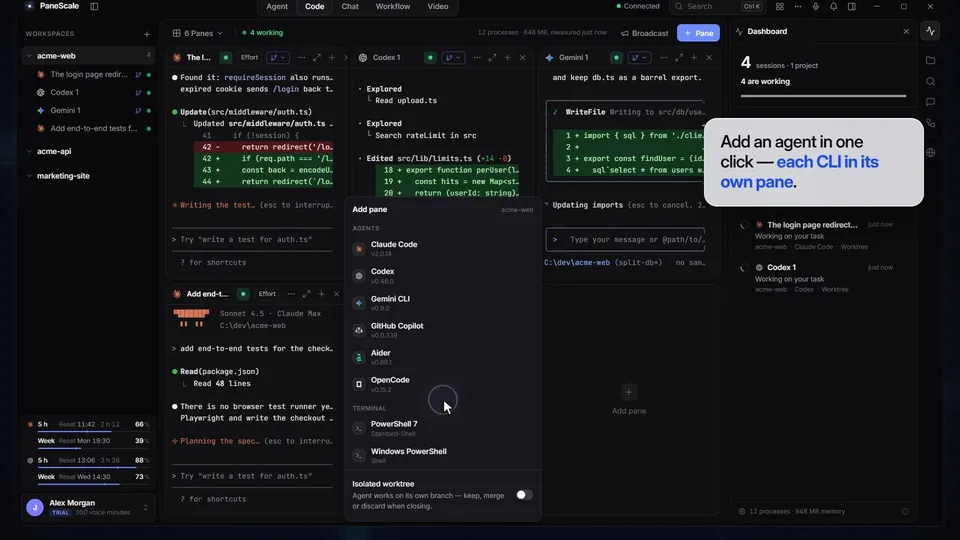
One window for every agent
Agents side by side in one project, a question answered right in the pane, one prompt to all.
 0:24
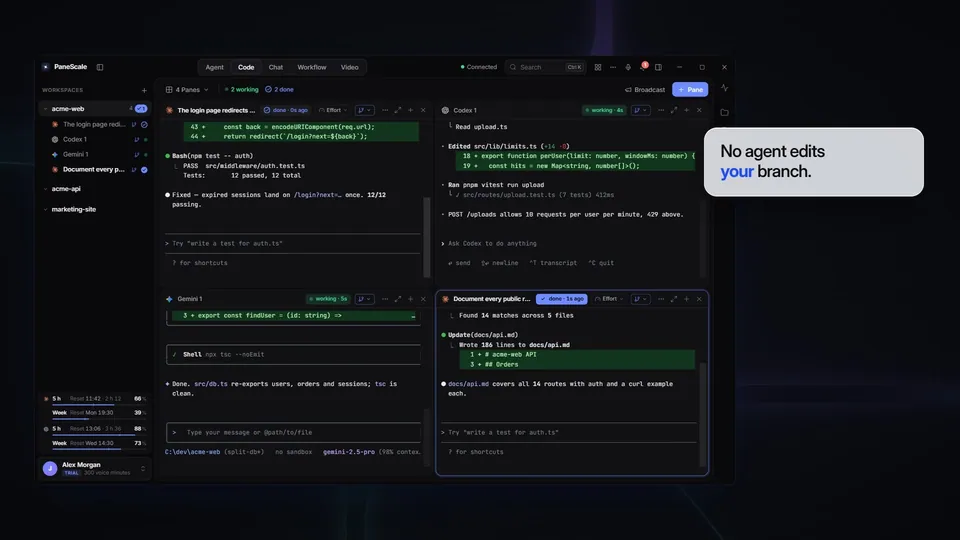
A worktree for every agent
Each agent works on its own Git branch. Review the diff, then keep, merge or discard — merging needs your one-time approval.
 0:24
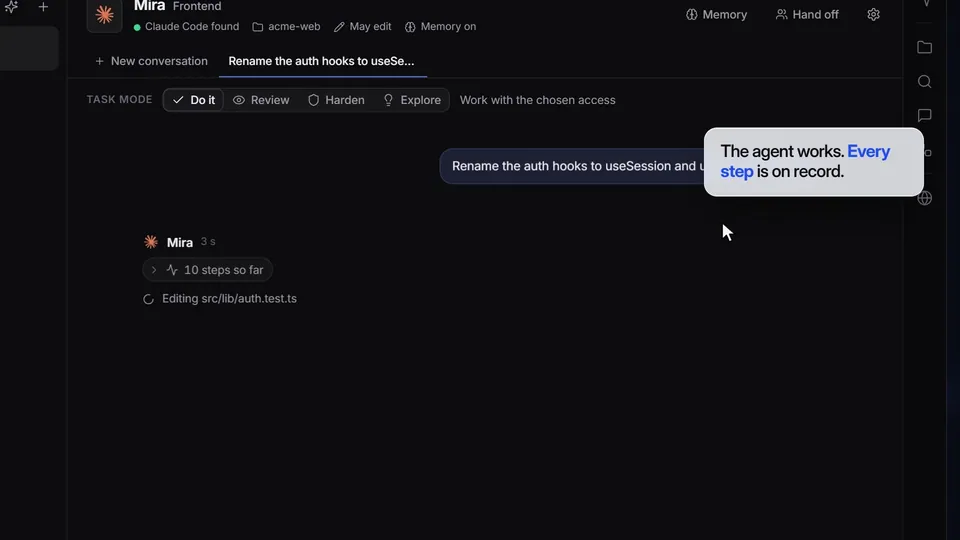
Undo for agents
A checkpoint before every agent step that can touch files, and a rewind that never overwrites your own edits.
 0:27
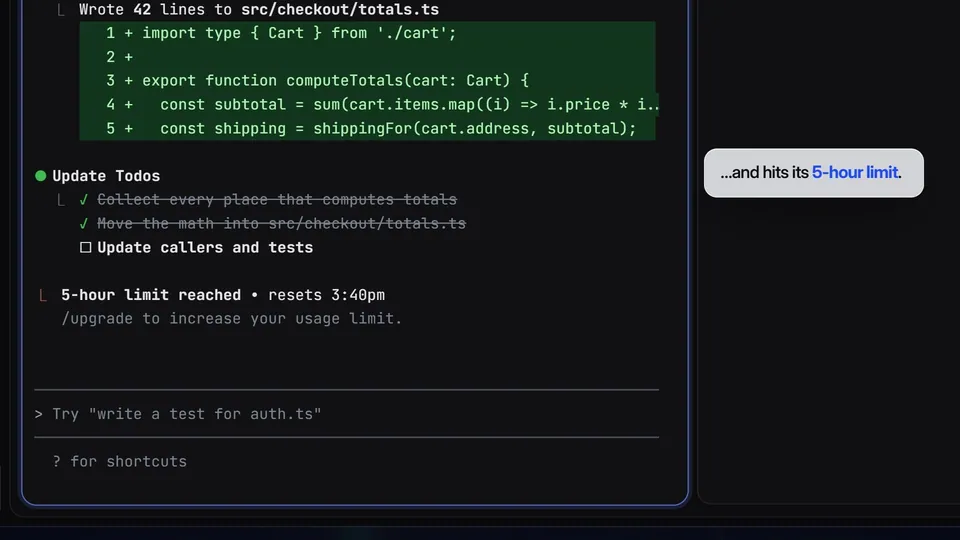
Limit handoff
When one agent hits its limit, another picks up in the same project with a brief of what happened.
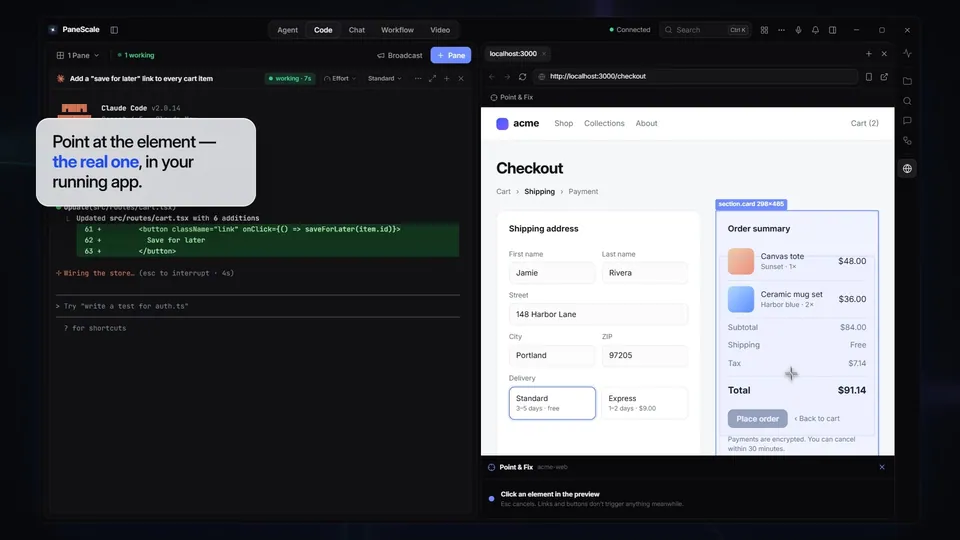 0:30
Point & Fix
Click the broken element in your running app, say what should change, apply with undo.
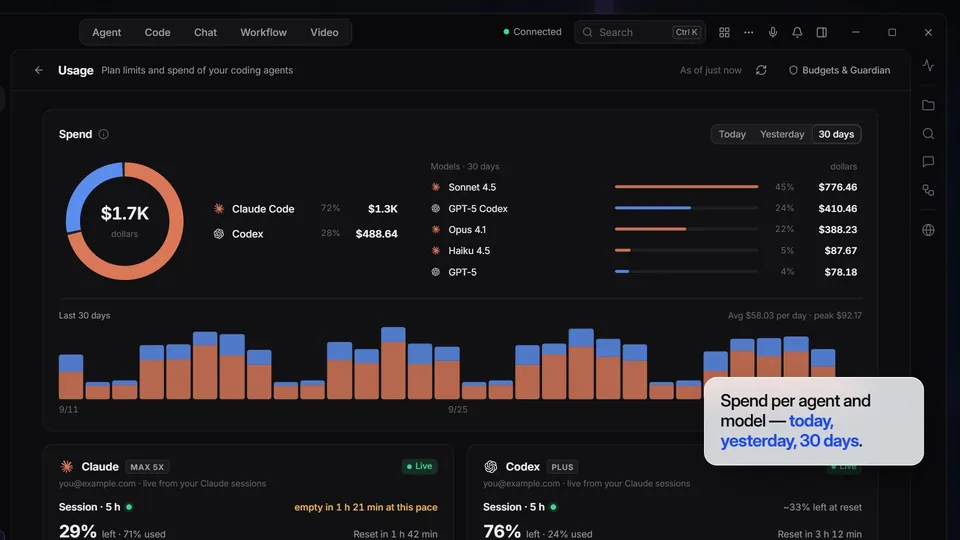 0:27
Token Guardian
Usage measured from the agents’ own logs, budgets that stop runs, loops caught early.
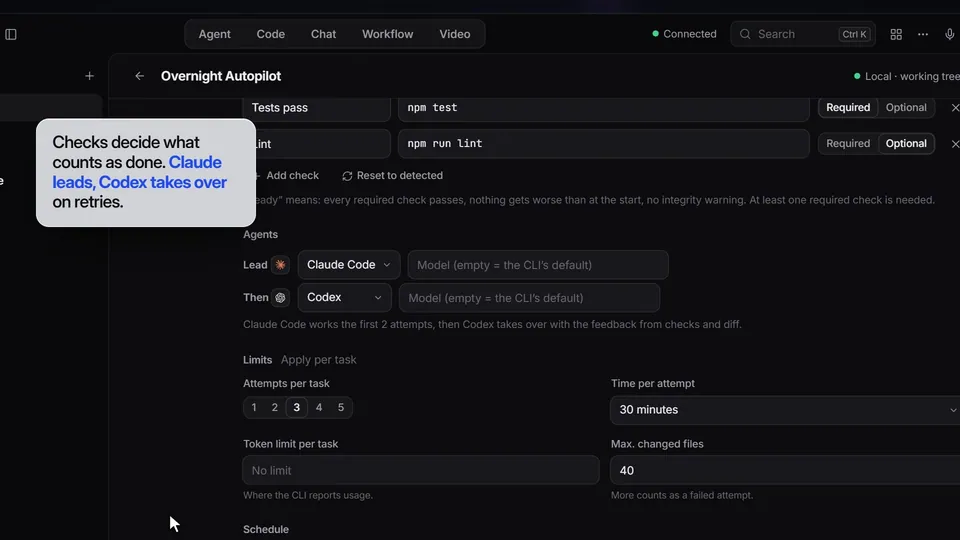 0:33
Overnight Autopilot
Queue tasks in the evening; wake up to diffs and a frozen report you can trust.
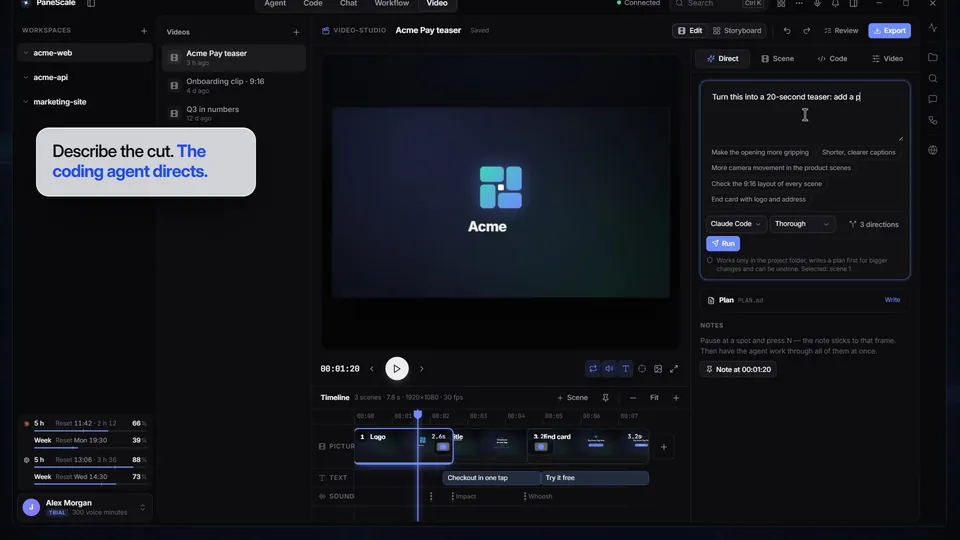 0:32
Video Studio
Product videos as code — scenes on a multi-track timeline, every format, rendered locally.
 0:27
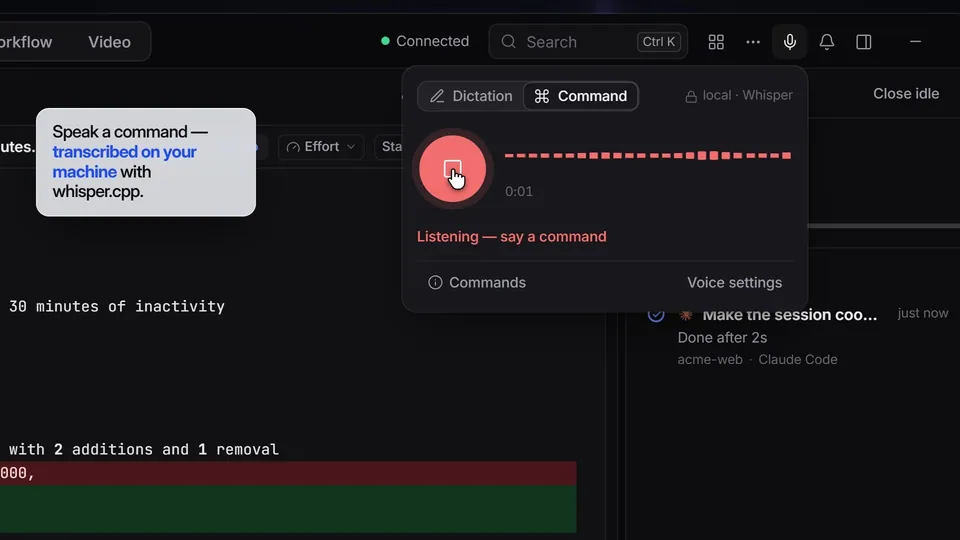
Voice
Speak a command or dictate a prompt — transcribed on your machine with whisper.cpp.
Seen enough? Try it on your own repo.
Install PaneScale, open a workspace and give each agent its own pane.